3.3 KiB
3.3 KiB
Monocoque User Setup Guide
Required Packages / Software
- build monocoque e.g. in
~/monocoque- follow instructions from repo - build simd e.g. in
~/simapi/simd- follow instructions from repo - build simshmbridge e.g. in
~/simshmbridge- follow instructions from repo
Configure SIMD & Monocoque
- Create a
simdConfig in~/.config/simd/simd.config- use example- no changes required to the example file
- create Monocoque config in
~/.config/monocque/monocoque.config- example- Adapt the config to your needs, remove unused entries
- Documentation for Bass Shaker Config
- Test your config as described in the README
Steam & Game Config
Steam
- Adapt Steam Launch Commands from simshbridge
- to use with
simdyou need toSIMD_BRIDGE_EXEto the launch command likeSIMD_BRIDGE_EXE=~/git/simshmbridge/assets/pcars2bridge.exe %command% & sleep 5 && ~/.steam/steam/steamapps/common/Proton\ 6.3/proton run ~/git/simshmbridge/assets/pcars2bridge.exe
- to use with
Game specific settings
Automobilista 2 (AMS2)
- In Games like
Automobilista 2activate theShared MemorySetting and make sure to set the Protocal toProject CARS 2.
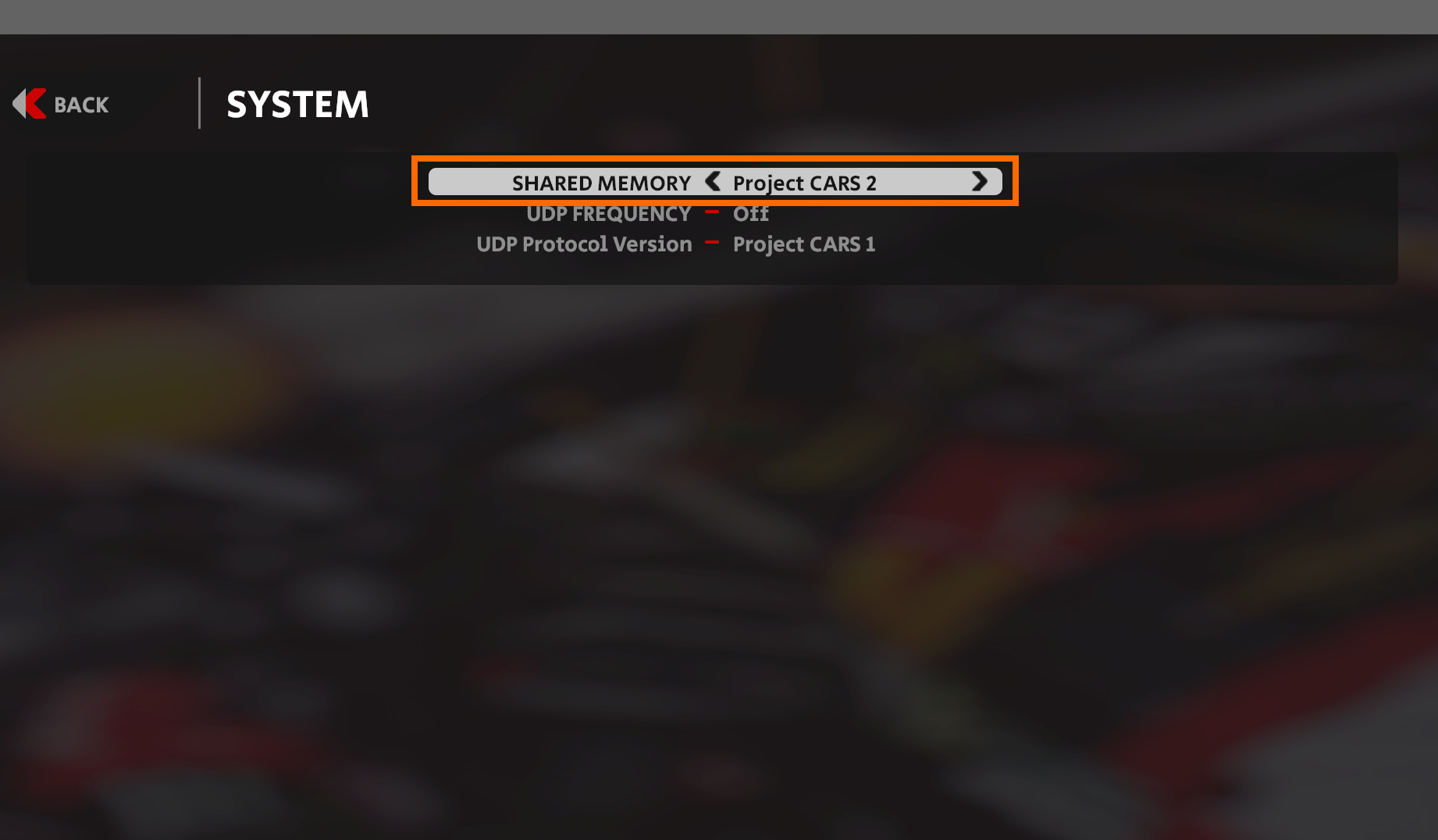
- Restart the Game after changing these Settings!
Assetto Corsa & Assetto Corsa Competizione (ACC)
- Assetto Corsa & ACC do not need any additional settings and should work out of the box
Run everything, but in the right order
- first start
simdlike~/simapi/simd/build/simd --no-daemon -vv- this will likely fail, so you'll need to add
export LD_LIBRARY_PATH=$LD_LIBRARY_PATH:/usr/local/liborexport LD_LIBRARY_PATH=$LD_LIBRARY_PATH:/usr/local/lib64in front of the command likeexport LD_LIBRARY_PATH=$LD_LIBRARY_PATH:/usr/local/lib64 ~/simapi/simd/build/simd --no-daemon -vv
- this will likely fail, so you'll need to add
- now start
monocoquelike~/monocoque/build/monocoque play - finally start the Game you want to play from Steam
Troubleshooting
- make sure
simdis running and after you start a game, the CLI output confirms the game is detected - make sure the bridge application starts e.g. with
ps aux|grep pcars2bridge.exebefore the game starts - see if you have the path
/dev/shm/acpmf_physics(for ACC) and/or/dev/shm/$pcars2$for AMS2 - when
simdrecognizes the game, see ifmonocoqueshowsRPM, Gear..and other Car Metrics once you start a game- if
simdrecognozies the game, butmonocoquedoes not show any data, doublecheck the Game Settings to see ifShared Memoryis activated
- if